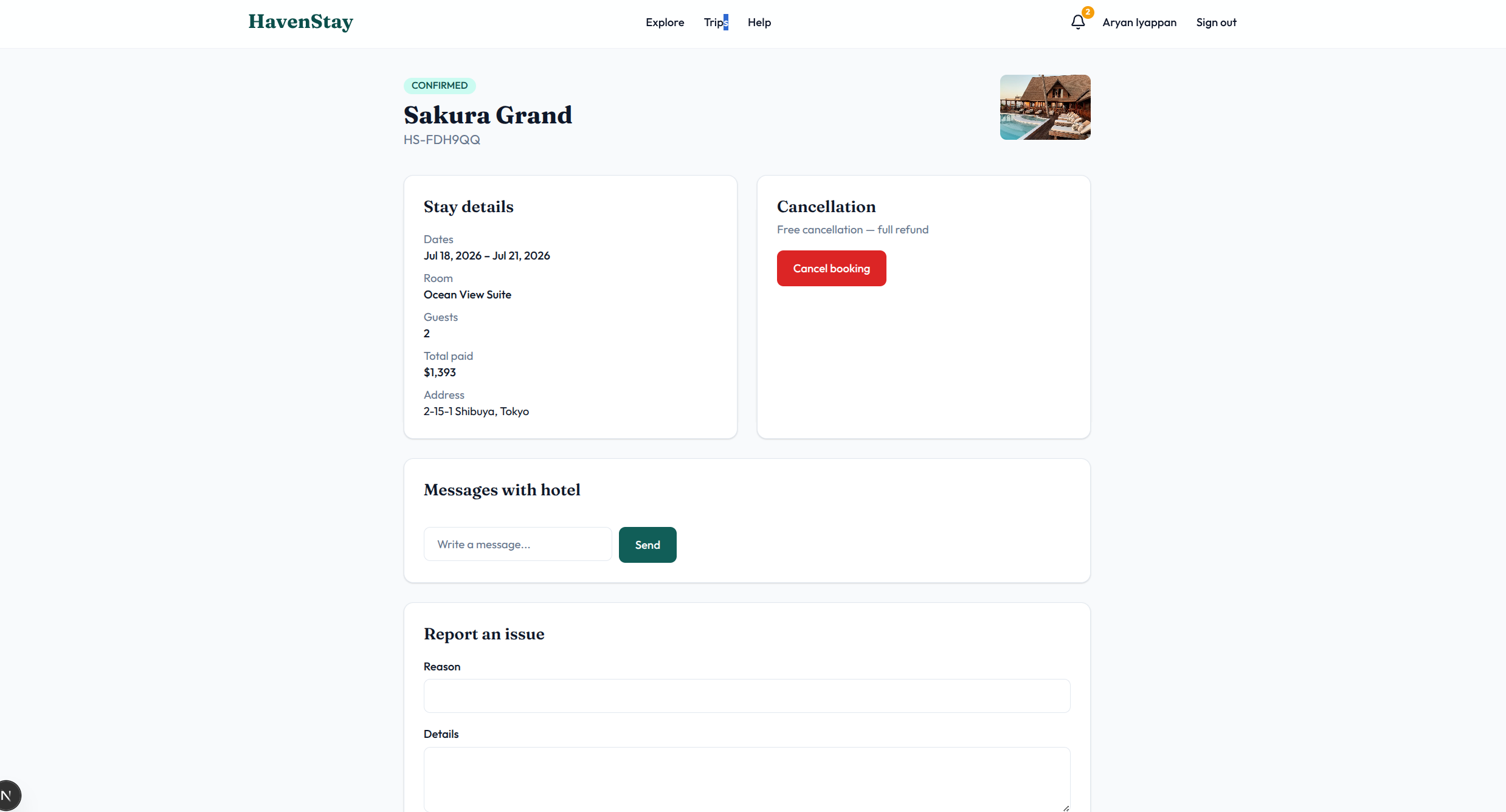
One graph for every product decision.
Lamina keeps intent, observations, inference, simulations, and evidence in one transactional graph without losing provenance. Read the graph reference
For developers who build with AI
Design product behavior with your AI agent, backed by a transactional graph. Then verify what ships.
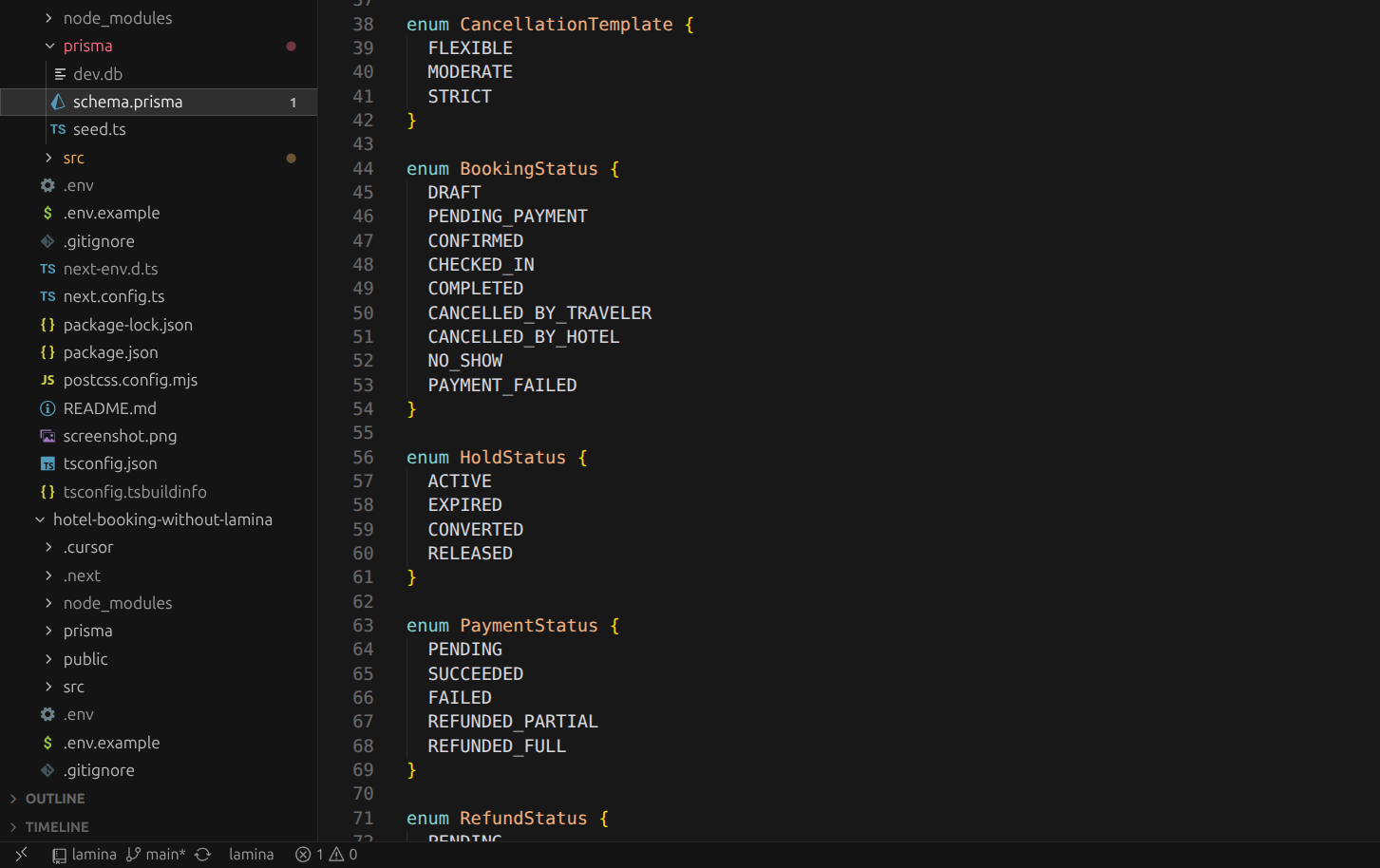
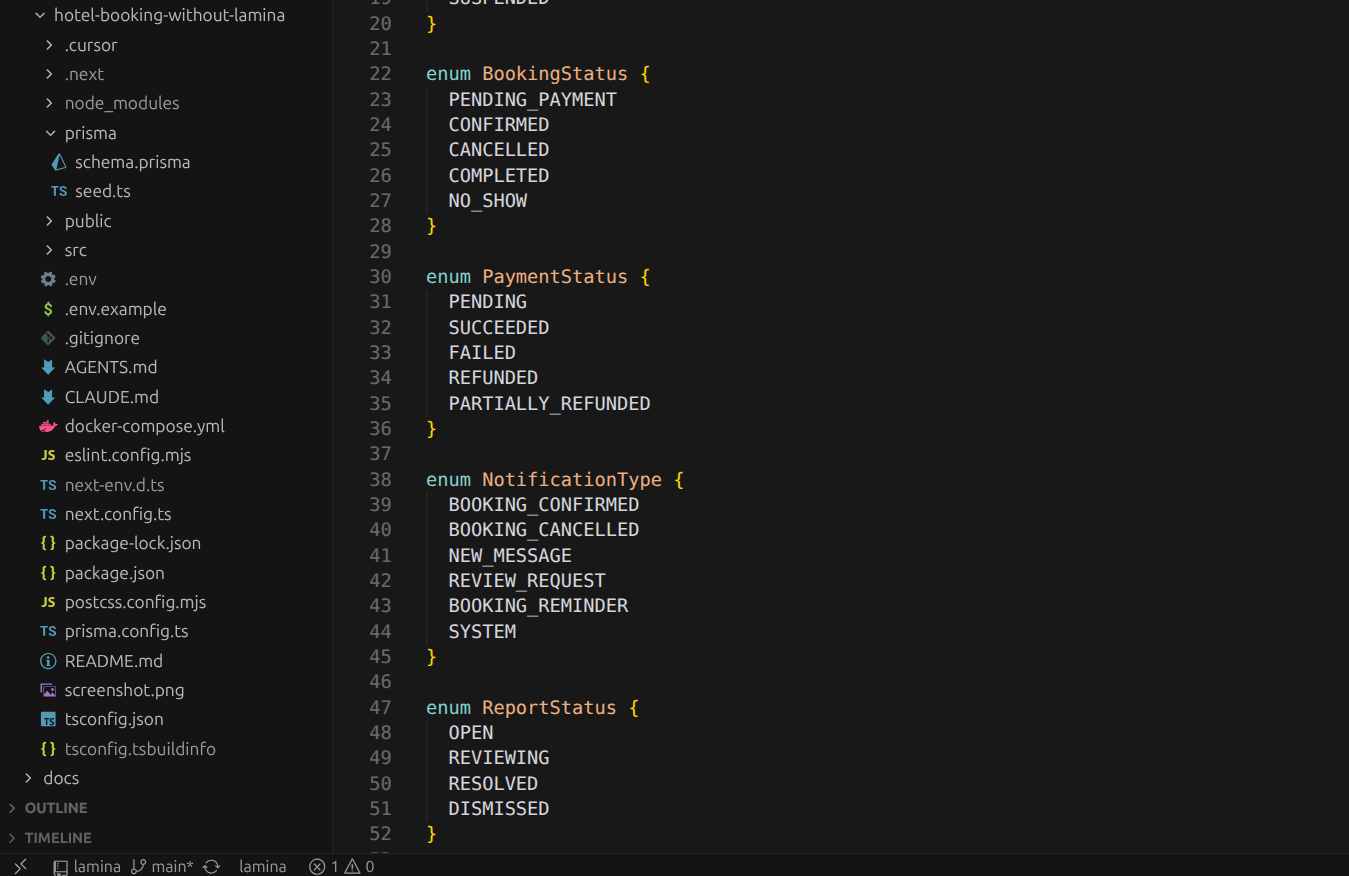
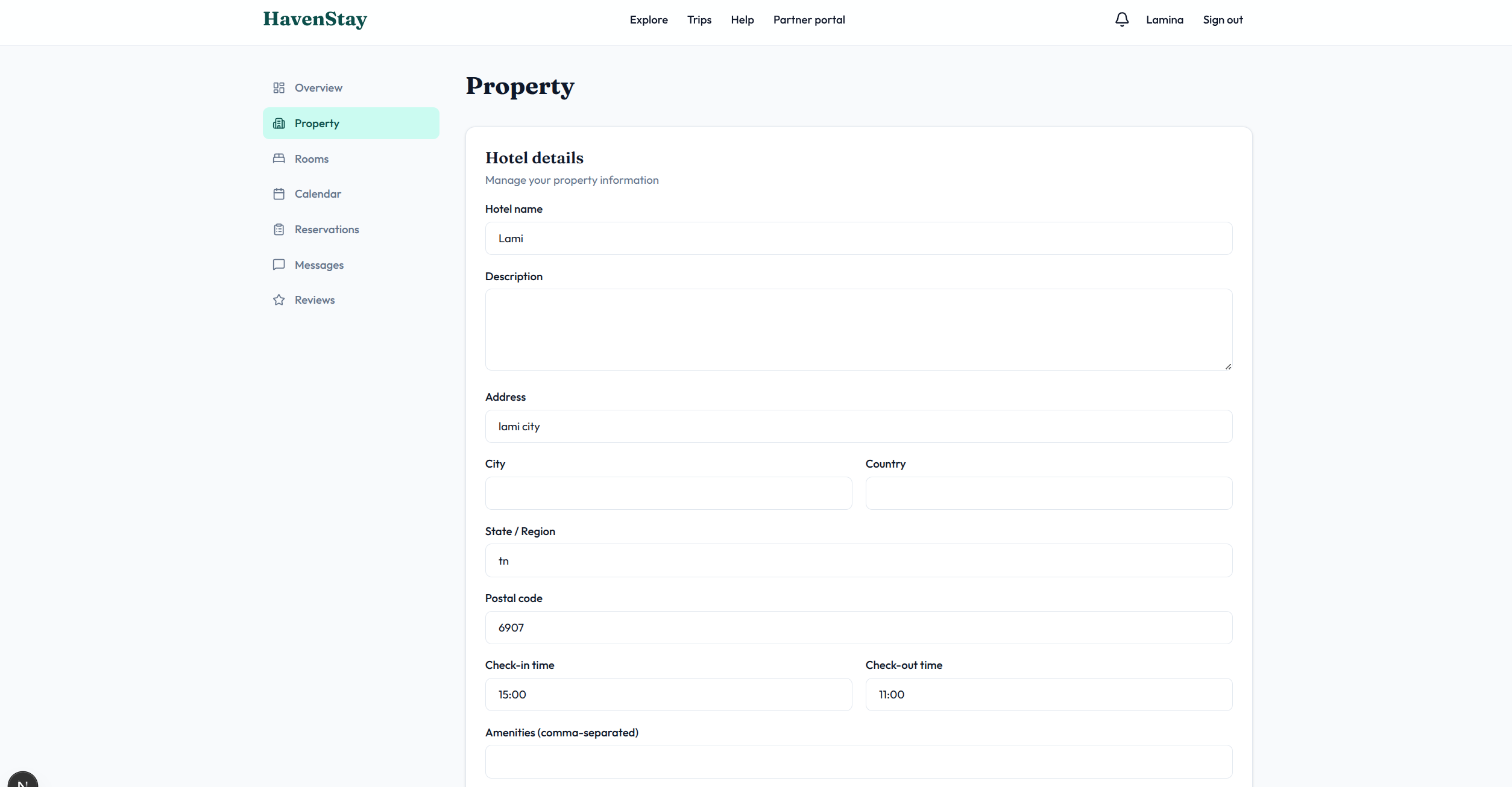
Cancelled and confirmed. Sold out and bookable. Unverified and checked out. AI builds screens that allow combinations the product should never allow.
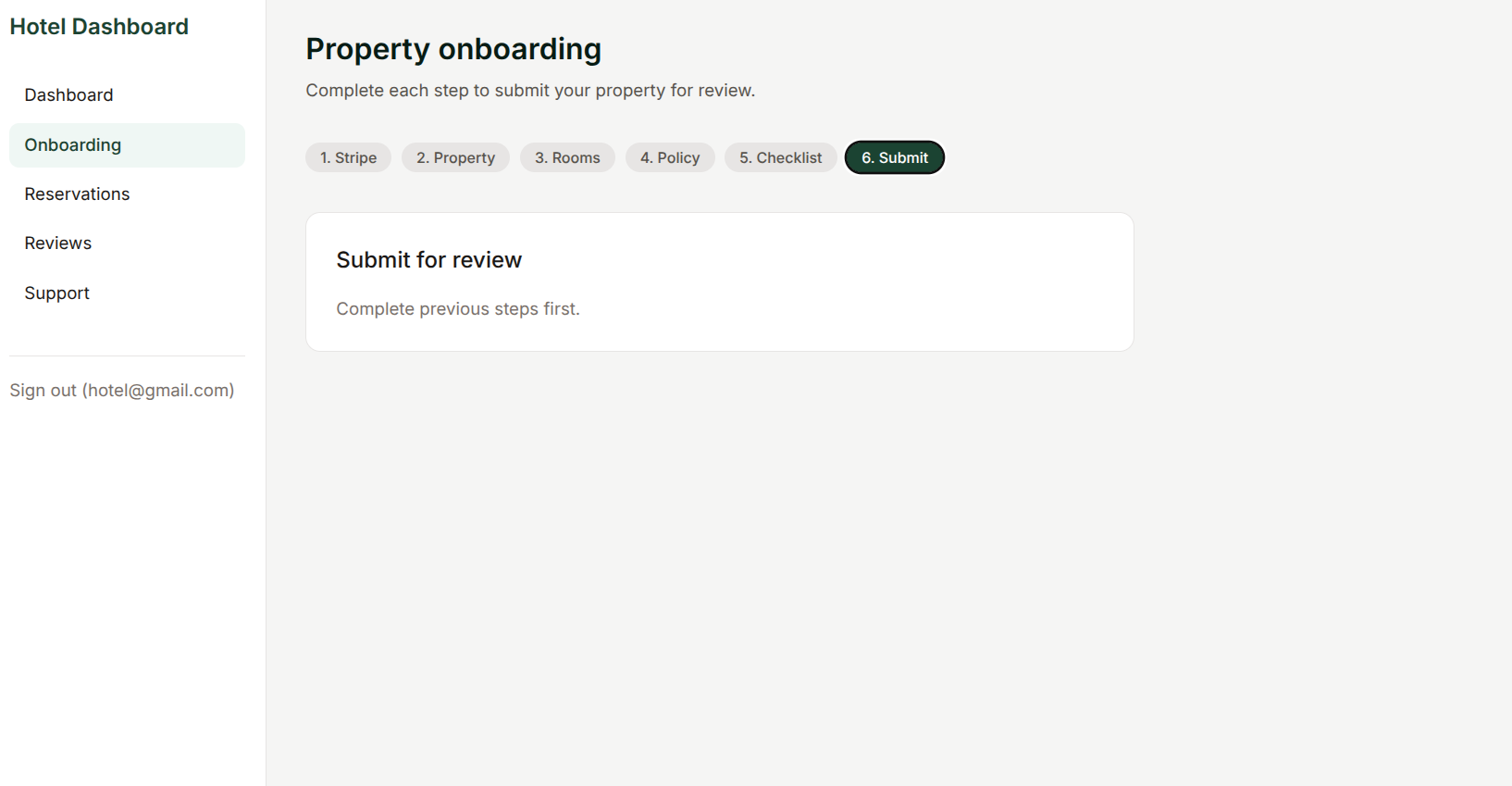
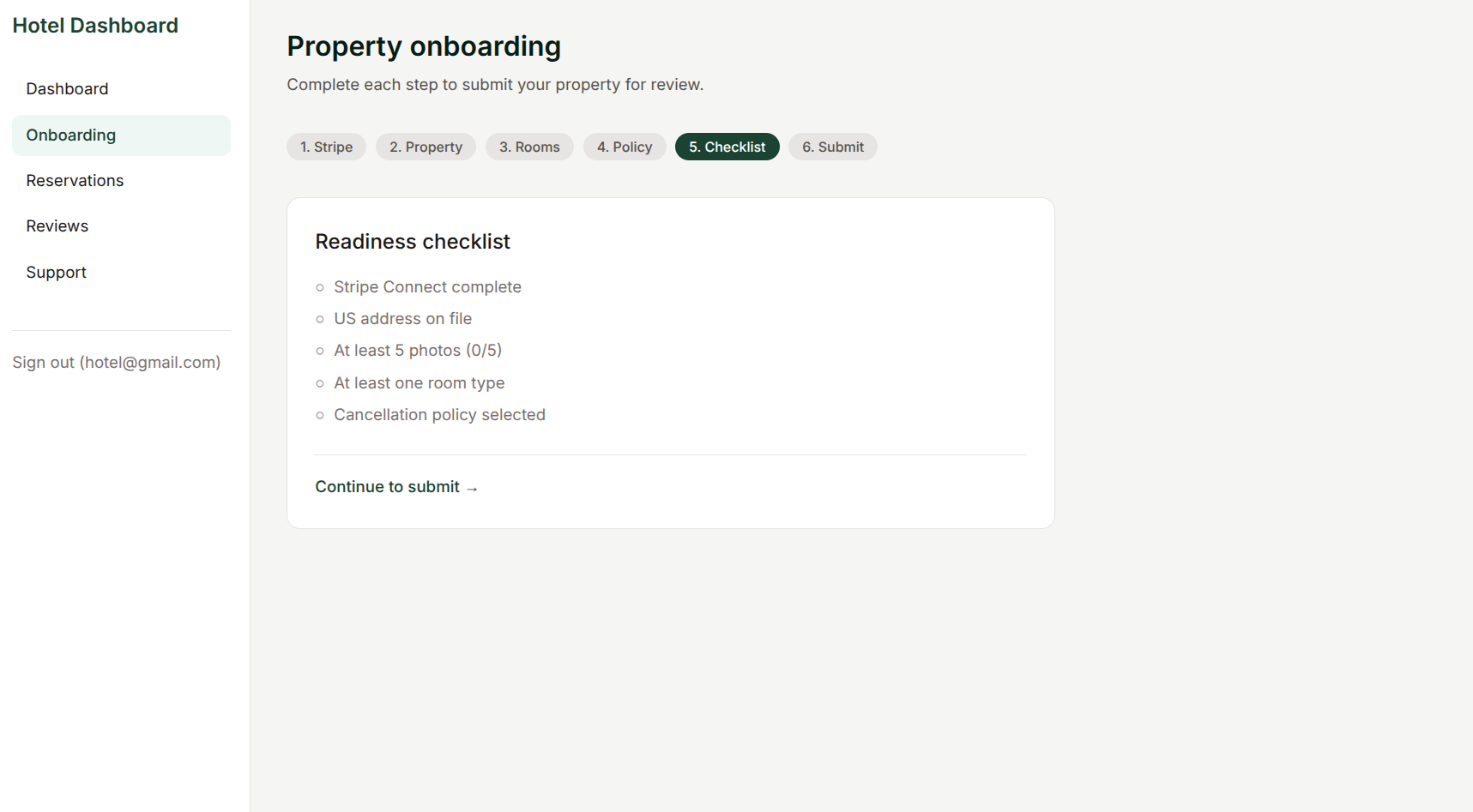
Publish without approval. Pay without a hold. Invite without a role. Prerequisites that define the product disappear. The agent only wired the happy sequence.
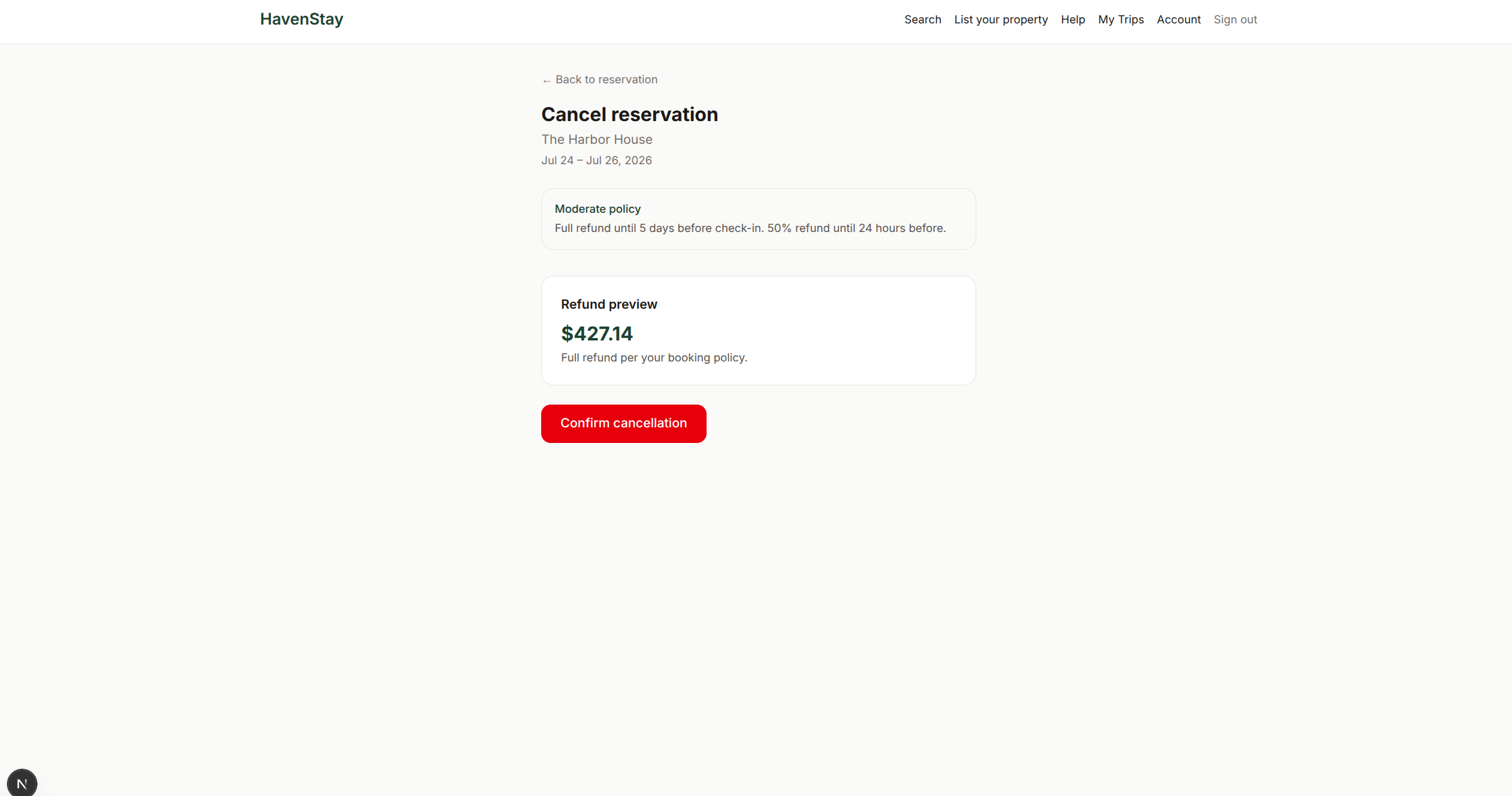
Users get stuck mid-flow with no cancel, retry, or handoff. Valid paths in, missing transitions out. The state machine was never designed, only generated.
Copy the repository-matched prompt. Your agent installs the standalone CLI, adds every Lamina skill for your active agent, configures supported passive rules, checks the setup, and tells you when to start a fresh session with /lamina-init.
Skills work across coding agents. Passive setup currently supports Codex, Claude Code, and Cursor.
 Cursor
 Claude Code
 Codex
Codex Gemini
 Pi
PiRun these in your project, then start a fresh agent session. On Windows, use the PowerShell installer in the copied agent prompt.
curl -fsSL https://github.com/aryaniyaps/lamina/releases/latest/download/install.sh | shnpx skills add aryaniyaps/lamina --skill '*' -a <active-agent> -ylamina setup --agent <codex|claude-code|cursor>lamina doctor --jsonLamina keeps intent, observations, inference, simulations, and evidence in one transactional graph without losing provenance. Read the graph reference
Agents propose reviewable changes to actors, states, flows, decisions, and invariants.
Every validated mutation publishes together as one new GraphVersion, or none of it does.
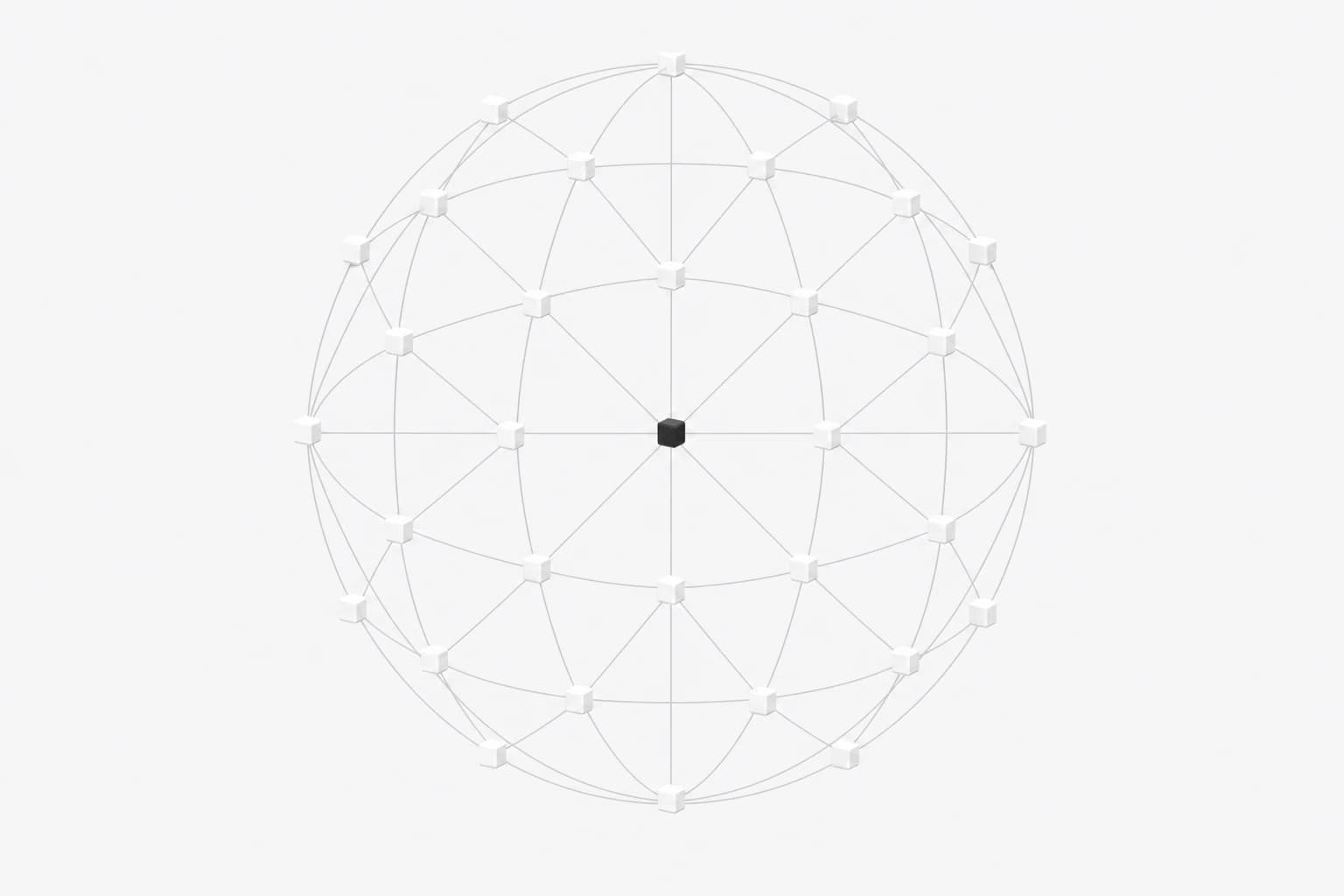
Independent Persona Missions verify the live build and return evidence to the graph.

Web, mobile, desktop, CLI. If your agent can use the Lamina CLI, portable skills, and GraphVersion projections, the workflow fits. Your framework, database, UI layer, and application source stay yours.
 Next.js
 React
React Vue
Vue Angular
 Astro
Astro Svelte
 Expo
Expo Flutter
 NestJS
 Django
 Postgres
 MongoDB
 Redis
Redis Supabase
 Prisma
 Tailwind
 TypeScript
 Docker
 Vercel
 CloudflareNext.jsReactVueAngularAstroSvelteExpoFlutterNestJSDjangoPostgresMongoDBRedisSupabasePrismaTailwindTypeScriptDockerVercelCloudflare
Missing your stack? Lamina is unopinionated. If your agent can read the Lamina CLI, portable skills, and a resolved GraphVersion projection, it fits.
 Next.jsNext.js
 ReactReact
 VueVue
 AngularAngular
 AstroAstro
 SvelteSvelte
 ExpoExpo
 FlutterFlutter
 NestJSNestJS
 DjangoDjango
 PostgresPostgres
 MongoDBMongoDB
 RedisRedis
 SupabaseSupabase
 PrismaPrisma
 TailwindTailwind
 TypeScriptTypeScript
 DockerDocker
 VercelVercel
 CloudflareCloudflare
Compatible with stacks including Next.js, React, Vue, Angular, Astro, Svelte, Expo, Flutter, NestJS, Django, Postgres, MongoDB, Redis, Supabase, Prisma, Tailwind, TypeScript, Docker, Vercel, Cloudflare.
Missing your stack? Lamina is unopinionated. If your agent can read the Lamina CLI, portable skills, and a resolved GraphVersion projection, it fits.
/lamina-init establishes Product, Actor, and Persona knowledge. Design publishes a validated GraphVersion; your coding agent implements from that resolved version; verify runs independent Persona Missions.
Product defects return to ordinary coding. Contract gaps return to a new design session. Expand a phase for the annotated session JSONL. Quickstart guide
repository graph · HEAD/session.jsonl
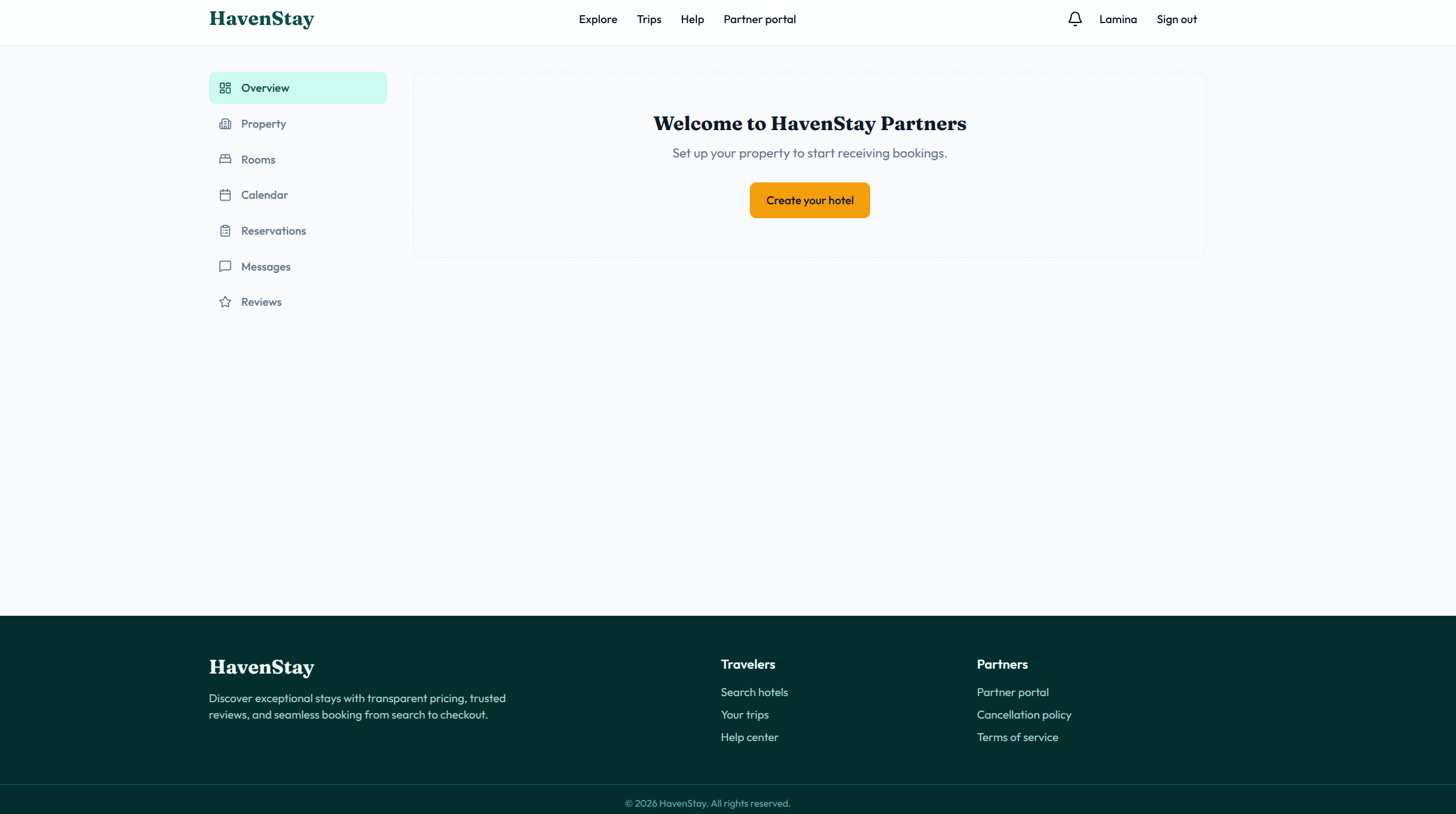
{ "role": "user", "message": { "content": [ { "type": "text", "text": "/lamina-design guest checkout: hold, pay, cancel" } ] }}{ "role": "assistant", "message": { "content": [ { "type": "text", "text": "GraphVersion v13 published atomically; implementation projection resolved" } ] }}HavenStay is a hotel booking platform built from scratch by Cursor Composer 2.5 with no human-written app code. This historical comparison tests Lamina's earlier product-design workflow. Full demo walkthrough
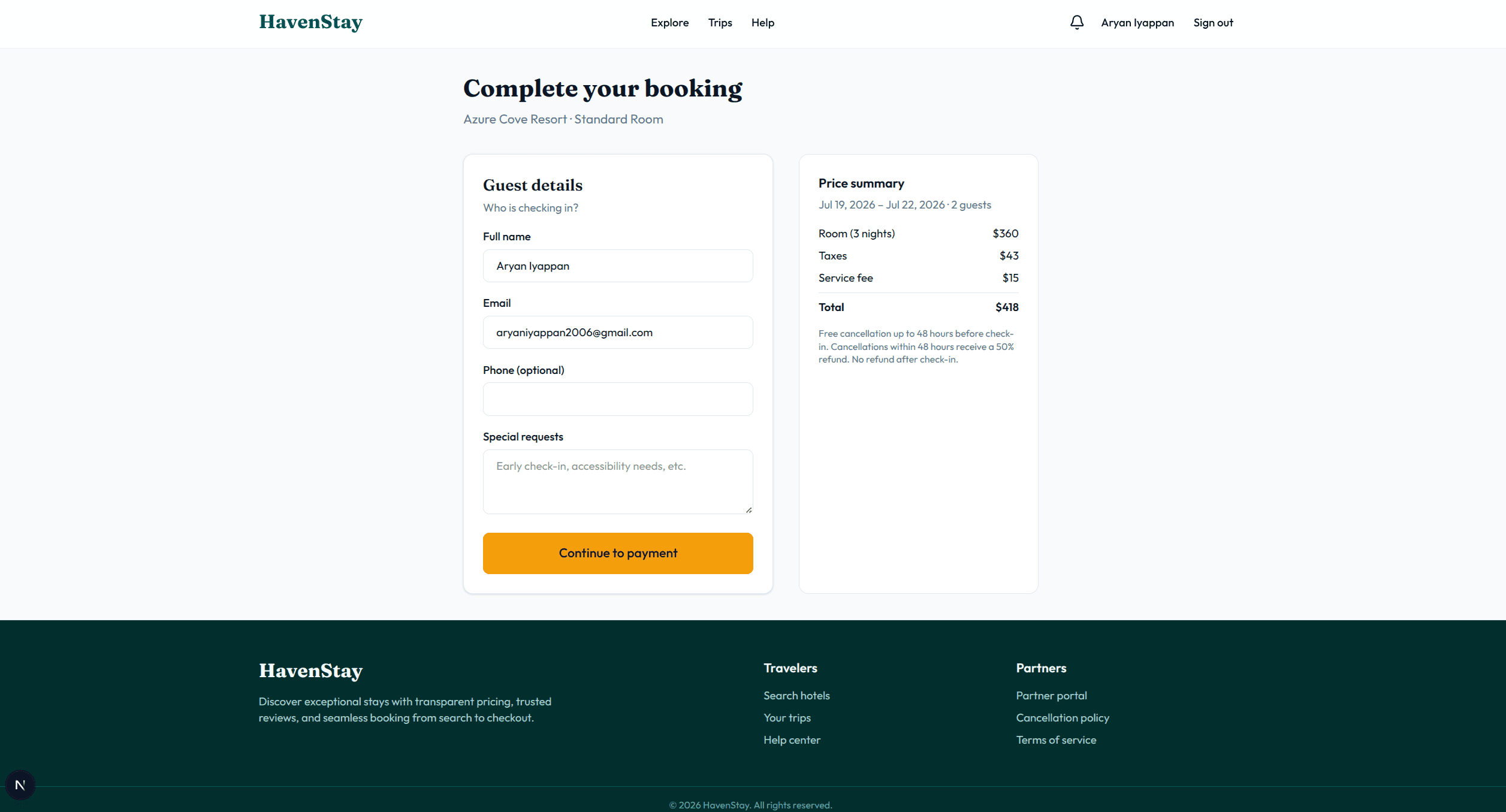
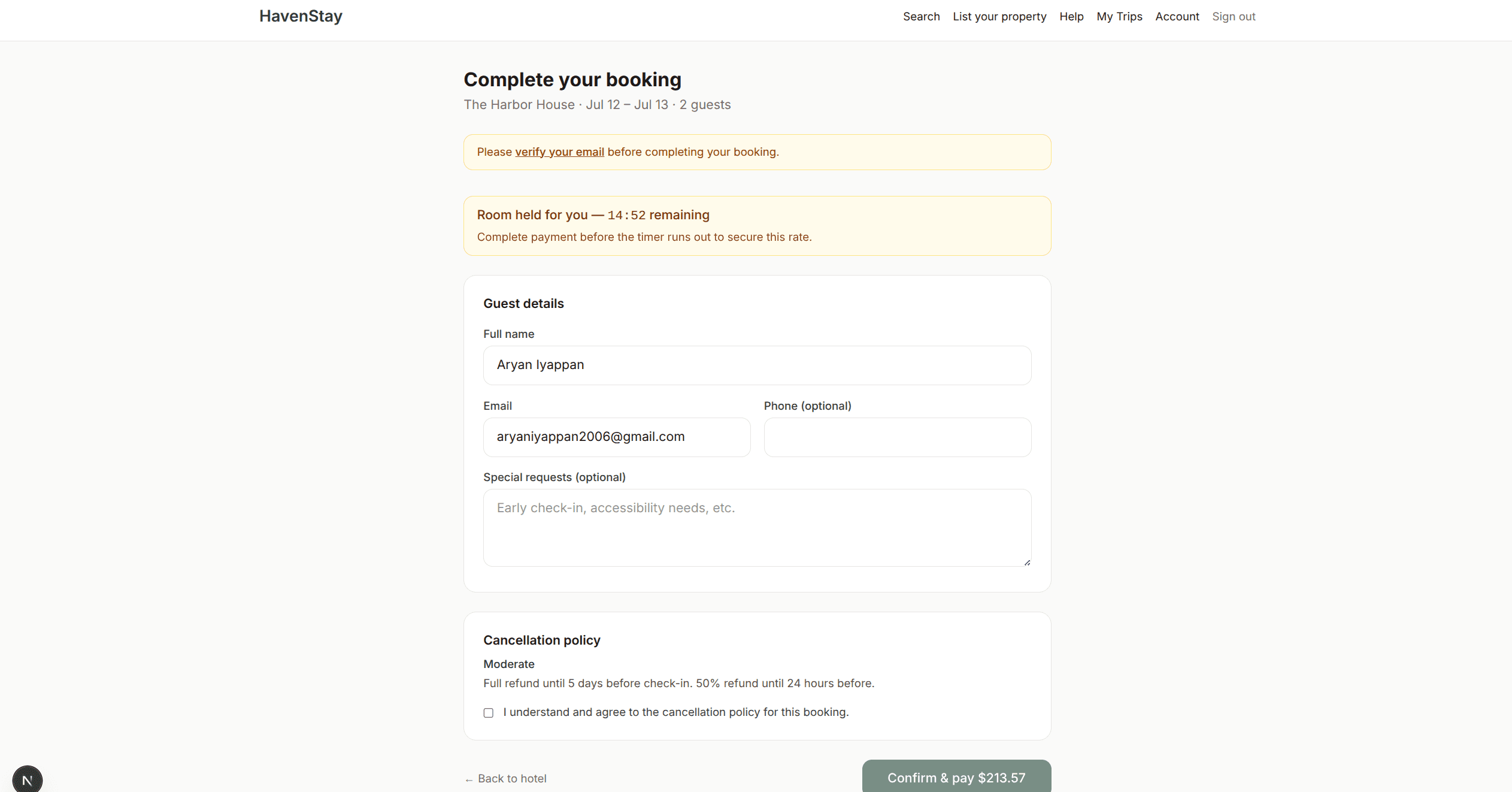
Drag or use arrow keys to compare · select a behavior to swap pairs
In the first public release, Lamina outscored direct and plan-first coding agents on every task.
Four greenfield thin vertical slices · Cursor CLI + Composer 2.5 · median of three reruns
Explore Product BenchLamina keeps product behavior in a transactional graph and verifies the build. Compare what your other tools own and where Lamina fits.
Impeccable makes checkout look professional. Lamina makes pay-before-verify illegal.
How it looks
 Impeccable
 UI UX Pro Max
 frontend-design
 Google Stitch
How it works
Run when Screens look polished but checkout, onboarding, or permissions still break.Skip when You are refreshing a static page with no new product rules.
Answers to frequently asked questions about Lamina
A local transactional product graph plus CLI and agent skills for designing and verifying product behavior.
No. Your coding agent owns application source. Lamina resolves product knowledge and verification evidence.
A validated GraphVersion in the local transactional graph. Generated documents are optional projections.
No. lamina.dev is a transactional product graph for AI coding agents. uselamina.ai is a separate media API.
Agents optimize for the happy path. Without a behavior contract, screens allow illegal combinations and skip gates the product needs.
Plan mode helps you think. Lamina keeps validated decisions across sessions and verifies the live build.
UI skills polish pixels. Lamina specs behavior: states, permissions, flows, recovery. They pair; they do not overlap.
App builders generate apps. Lamina fits your repo and agent while your existing stack keeps ownership of source.
Copy the agent install prompt, let your agent install the CLI and all skills, then start a fresh session with /lamina-init.
/lamina-design publishes a GraphVersion, your agent implements a projection, and /lamina-verify runs Persona Missions.
GraphVersion → implementation projection → Persona Missions